
Stöbern
genialokal zum Startbildschirm hinzufügen
Installieren Sie die genialokal App auf Ihrem Startbildschirm für einen schnellen Zugriff und eine komfortable Nutzung.
Installieren Sie die genialokal App auf Ihrem Startbildschirm für einen schnellen Zugriff und eine komfortable Nutzung.
Tippen Sie einfach auf Teilen:
 Und dann auf "Zum Home-Bildschirm [+]".


Bei genialokal.de kaufen Sie online bei Ihrer lokalen, inhabergeführten Buchhandlung!
Ihr gewünschter Artikel ist in 0 Buchhandlungen vorrätig - wählen Sie hier eine Buchhandlung in Ihrer Nähe aus:
?bibletType=single&genialokalurl=www.genialokal.de/affiliates/book2look/?produkt=9781394276912%26storeID%3Drunzmall%26genialokallogourl%3Dimages.genialokal-cdn.de/chameleon/mediapool/8/a1/logo-jpg_id20401.jpg)
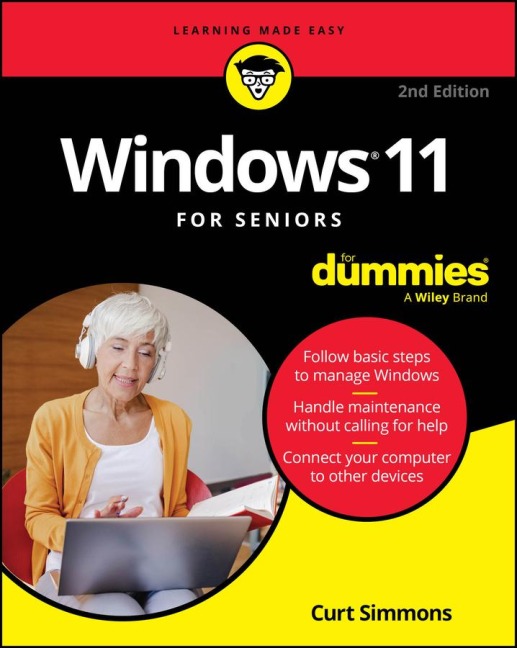

Make life easier with new Windows® features Every new version of the Windows operating system seems to introduce a whole lot of changes. This book offers easy steps for navigating those changes with minimal frustration. Get no-nonsense info on customizing and exploring the software that runs your computer. Perfect for desktop and laptop users alike, this guide skips the confusion with larger print, clear images, and easy-to-follow instructions. You'll learn how to get online, manage files, back them up, connect a printer, and use the new Copilot® AI search features-simply and securely. Inside... - Creating a Microsoft® account - Installing and using apps - Connecting with loved ones - Organizing your files - Streaming music and videos - Troubleshooting common issues - Maintaining Windows 11
Curt Simmons is an experienced tech educator who has published on a wide variety of topics, including Microsoft Windows, photo editing apps, networking, and mobile devices. He is also creator of the "Intro to Windows" course at ed2go.com and author of Drone Piloting For Dummies.
Introduction 1 Part 1: Getting Started with Windows 11 7 Chapter 1: Getting Acquainted with Windows 11 9 Chapter 2: Using the Start Screen, Apps, Widgets, and Copilot 29 Chapter 3: Adjusting Windows 11 Settings 55 Chapter 4: Working with User Accounts 71 Chapter 5: Getting Comfortable with the Desktop 93 Part 2: Windows 11 and the Web 113 Chapter 6: Finding What You Need on the Web 115 Chapter 7: Emailing Family and Friends 135 Chapter 8: Connecting with Microsoft Teams 153 Chapter 9: Exploring Apps for Your Daily Life 169 Part 3: Having Fun with Windows 11 191 Chapter 10: Exploring the Microsoft Store 193 Chapter 11: Taking Photos and More 209 Chapter 12: Enjoying Music and Videos 229 Part 4: Beyond the Basics 247 Chapter 13: Maintaining Windows 11 249 Chapter 14: Connecting a Printer and Other Devices 269 Chapter 15: Working with Files 279 Chapter 16: Backing Up and Restoring Files 301 Index 317