
Stöbern
genialokal zum Startbildschirm hinzufügen
Installieren Sie die genialokal App auf Ihrem Startbildschirm für einen schnellen Zugriff und eine komfortable Nutzung.
Installieren Sie die genialokal App auf Ihrem Startbildschirm für einen schnellen Zugriff und eine komfortable Nutzung.
Tippen Sie einfach auf Teilen:
 Und dann auf "Zum Home-Bildschirm [+]".
Bei genialokal.de kaufen Sie online bei Ihrer lokalen, inhabergeführten Buchhandlung!
Ihr gewünschter Artikel ist in 0 Buchhandlungen vorrätig - wählen Sie hier eine Buchhandlung in Ihrer Nähe aus:

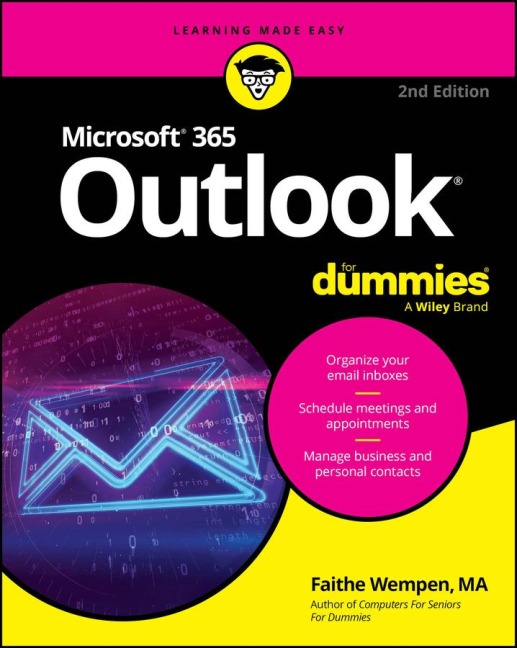

Overcome inbox overload Harness the full power of Outlook, Microsoft's flagship email and personal information management application! Outlook® For Dummies helps you conquer that mountain of email messages, plus schedule business meetings and personal appointments, manage multiple address books, and set reminders to keep you on track. You'll also find out how to sync up your Gmail® and iCloud® messages and calendars, use Outlook on mobile devices and the web, and more in this no-nonsense, easy to read guide. Inside... - Send and receive email - Configure multiple accounts - Schedule meetings - Set reminders - Store and look up contact info - Sync with Gmail and iCloud - Access Outlook on the go
Faithe Wempen, M.A., is a Microsoft Office Master Instructor, an instructional designer, and the author of over 160 books-including Computers For Seniors For Dummies-that empower consumers to make the most of their personal computers and applications.
Introduction 1 Part 1: Getting Started with Outlook 365 5 Chapter 1: A First Look at Outlook 365 7 Chapter 2: Taking a Tour of the Outlook 365 Interface 21 Chapter 3: Getting on the Fast Track with Handy Shortcuts 37 Part 2: Taming the Email Beast 51 Chapter 4: Email Essentials 53 Chapter 5: Taking Email to the Next Level 75 Chapter 6: Conquering Your Mountain of Messages 99 Chapter 7: Managing Multiple Email Accounts and Data Files 139 Chapter 8: Merging Mail from Outlook to Microsoft Word 159 Part 3: Keeping Track of Contacts, Dates, Tasks, and More 173 Chapter 9: Your Little Black Book: Managing Your Contacts 175 Chapter 10: Organizing Your Schedule with the Calendar 197 Chapter 11: Staying on Task: To-Do Lists and More 223 Chapter 12: Using Exchange-Only Features 249 Chapter 13: Integrating Outlook with Google and iCloud 271 Part 4: Exploring Other Versions of Outlook 283 Chapter 14: Using Outlook for Windows 285 Chapter 15: Using Outlook on the Web 301 Chapter 16: Using Outlook for iOS and Android Devices 317 Part 5: The Part of Tens 331 Chapter 17: Ten (Plus One) Shortcuts Worth Taking 333 Chapter 18: Ten Ways to Customize Outlook 341 Chapter 19: Ten Things You Can't Do with Outlook 361 Index 367